
Pesan Makan di Pesawat Kini Lebih Mudah dengan Pre-Book Meals
Nikmati pengalaman terbang lebih nyaman, pesan makanan dari restoran favoritmu dan santap langsung di pesawat.
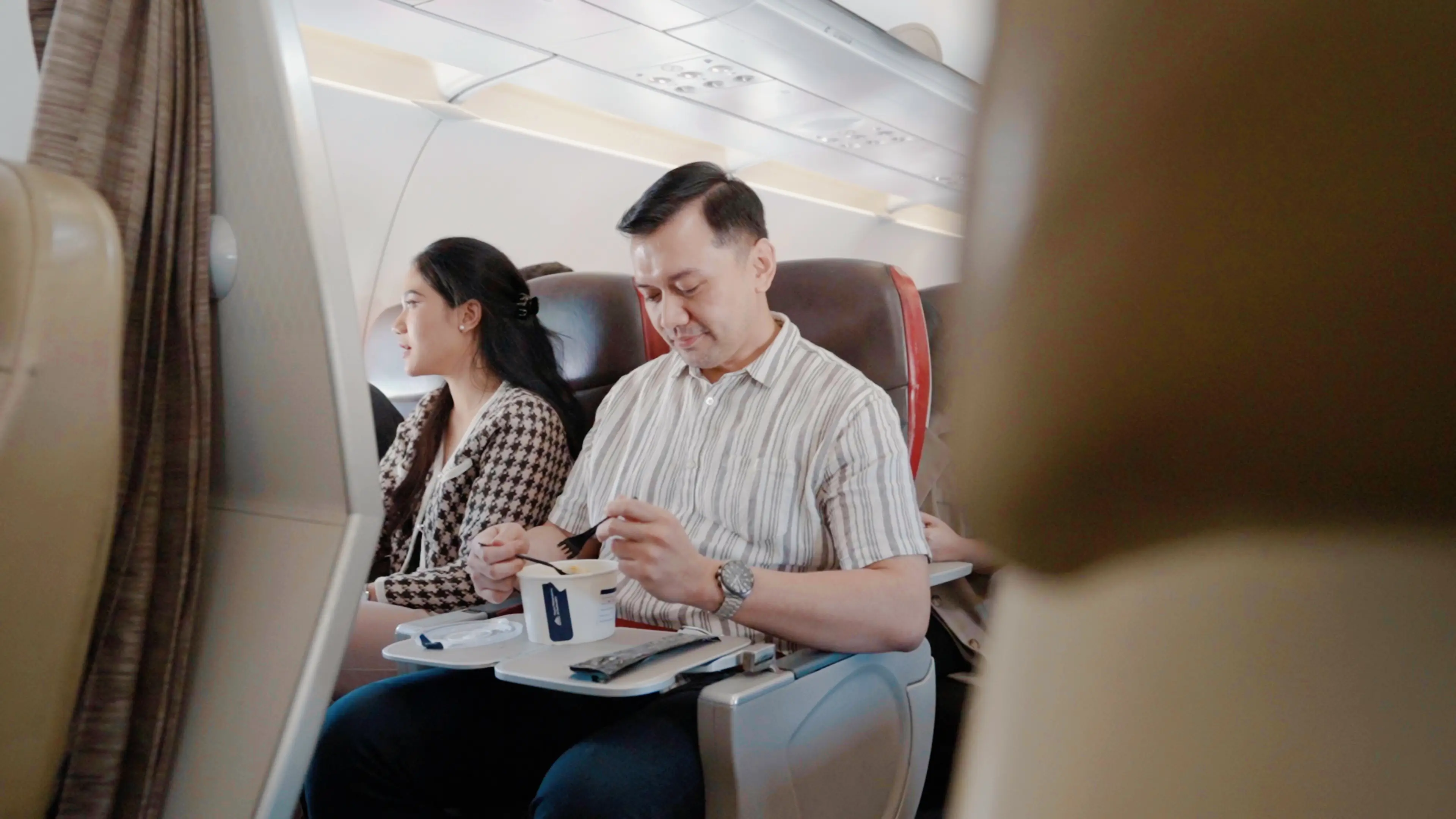



Kenapa Pesan Pre-Book Meals di BookCabin?
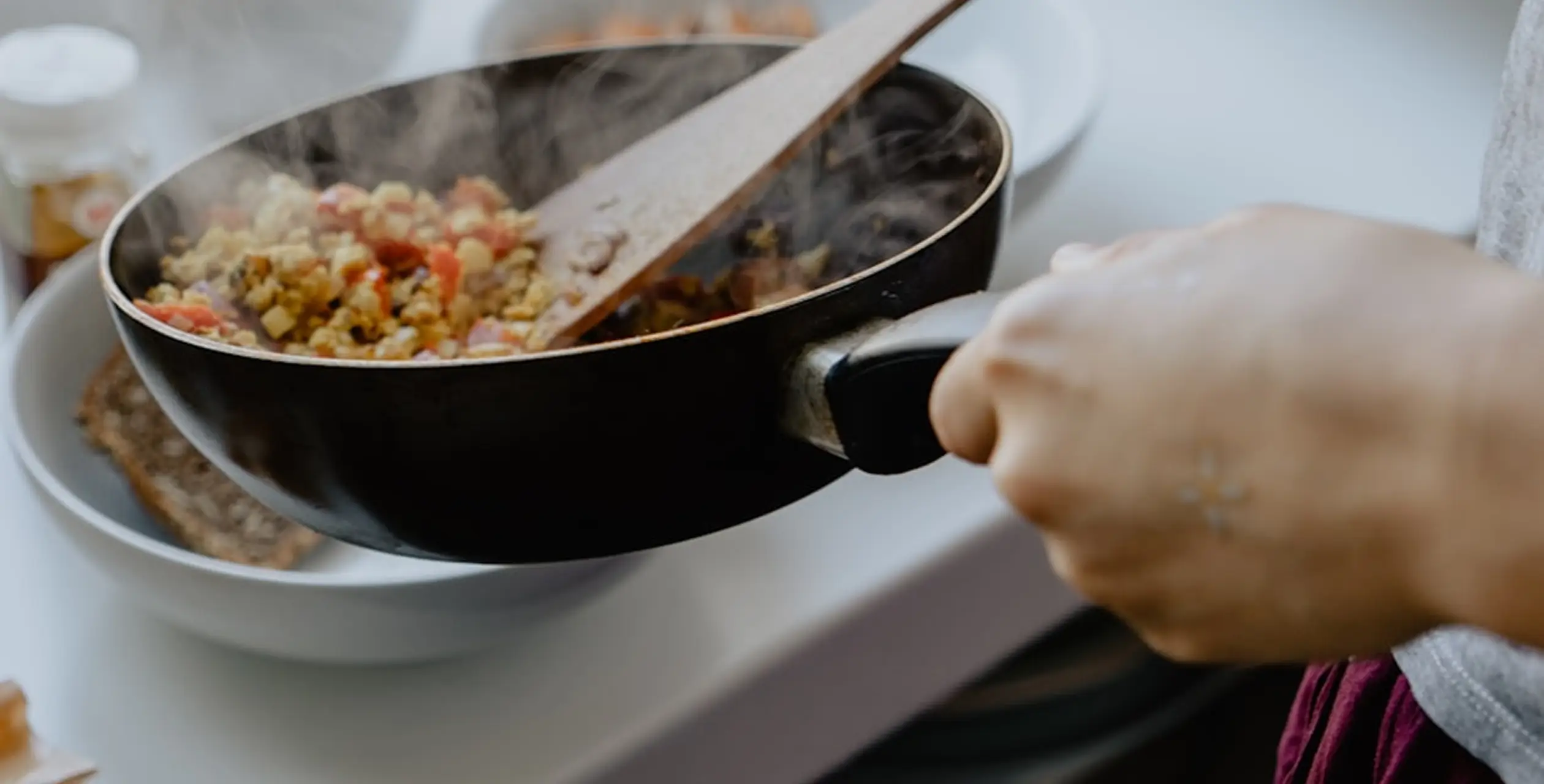
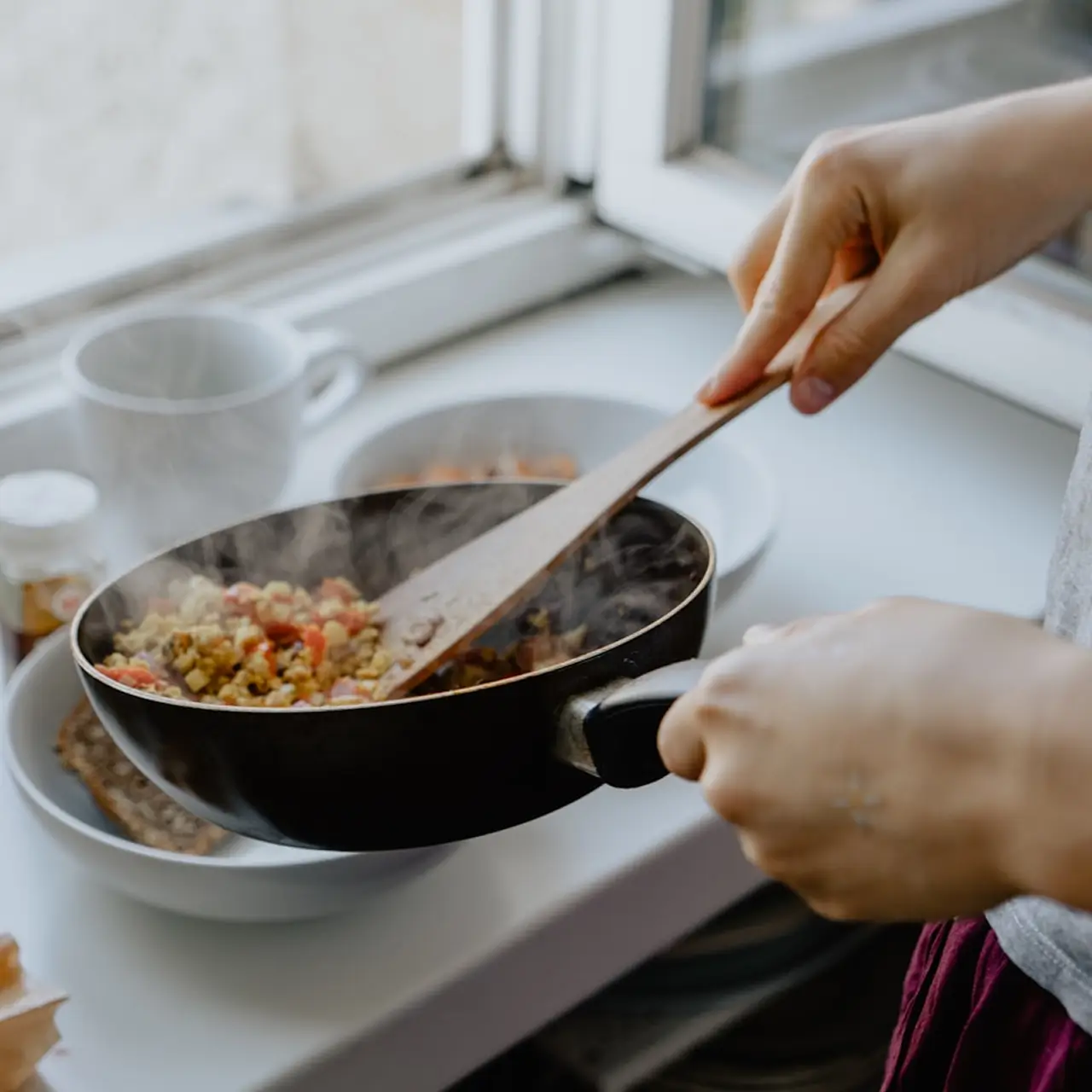
Makanan berkualitas dari restoran favorit

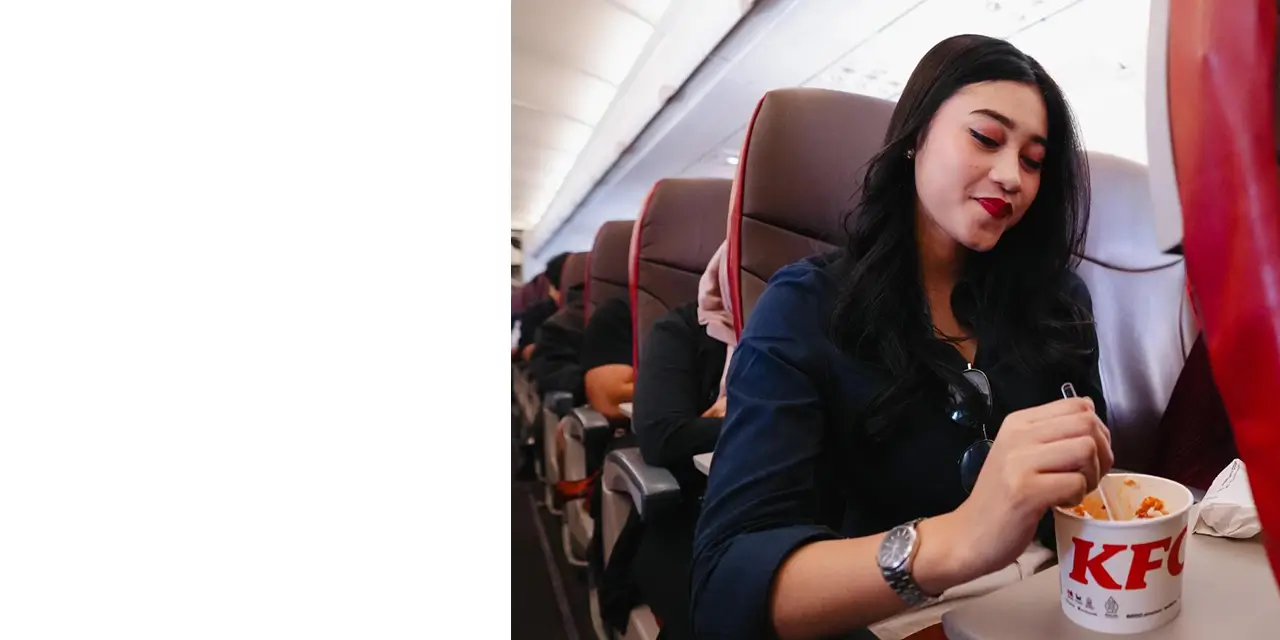
Pengalaman terbang lebih nyaman

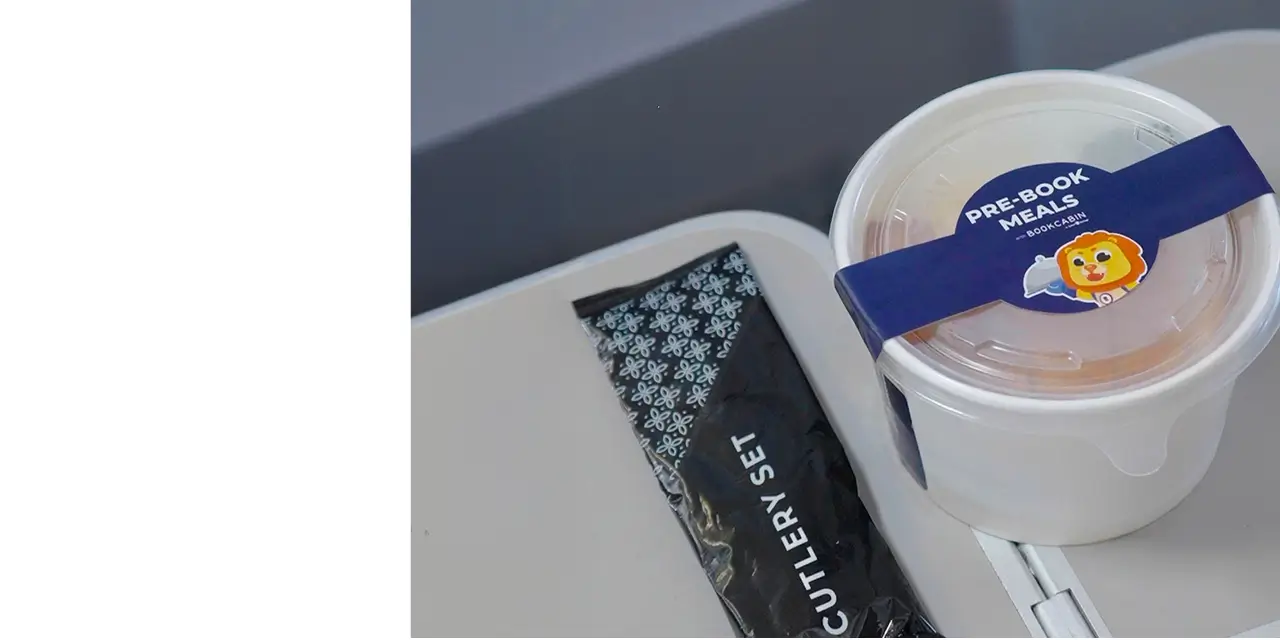
Diantar langsung ke kursi pesawatmu

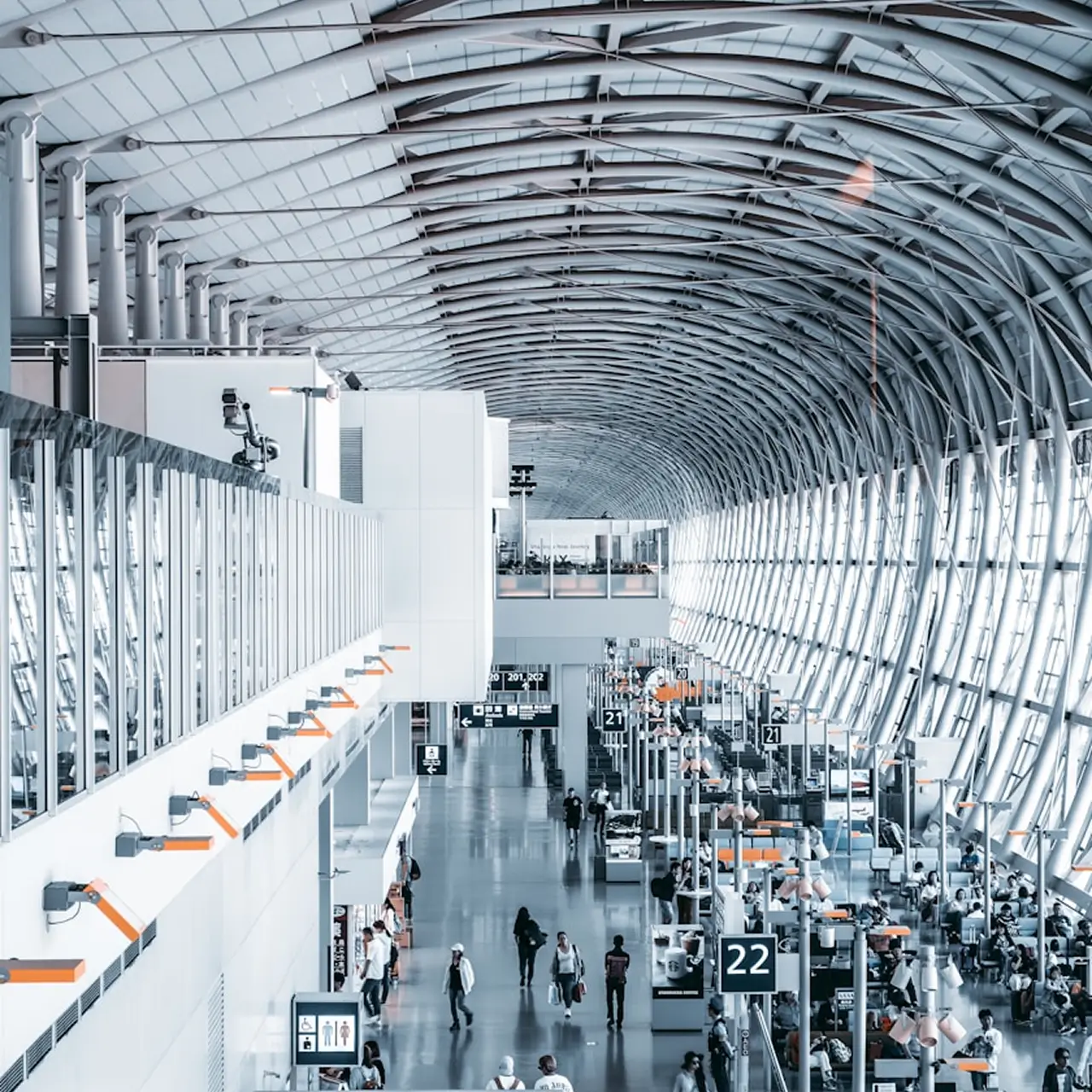
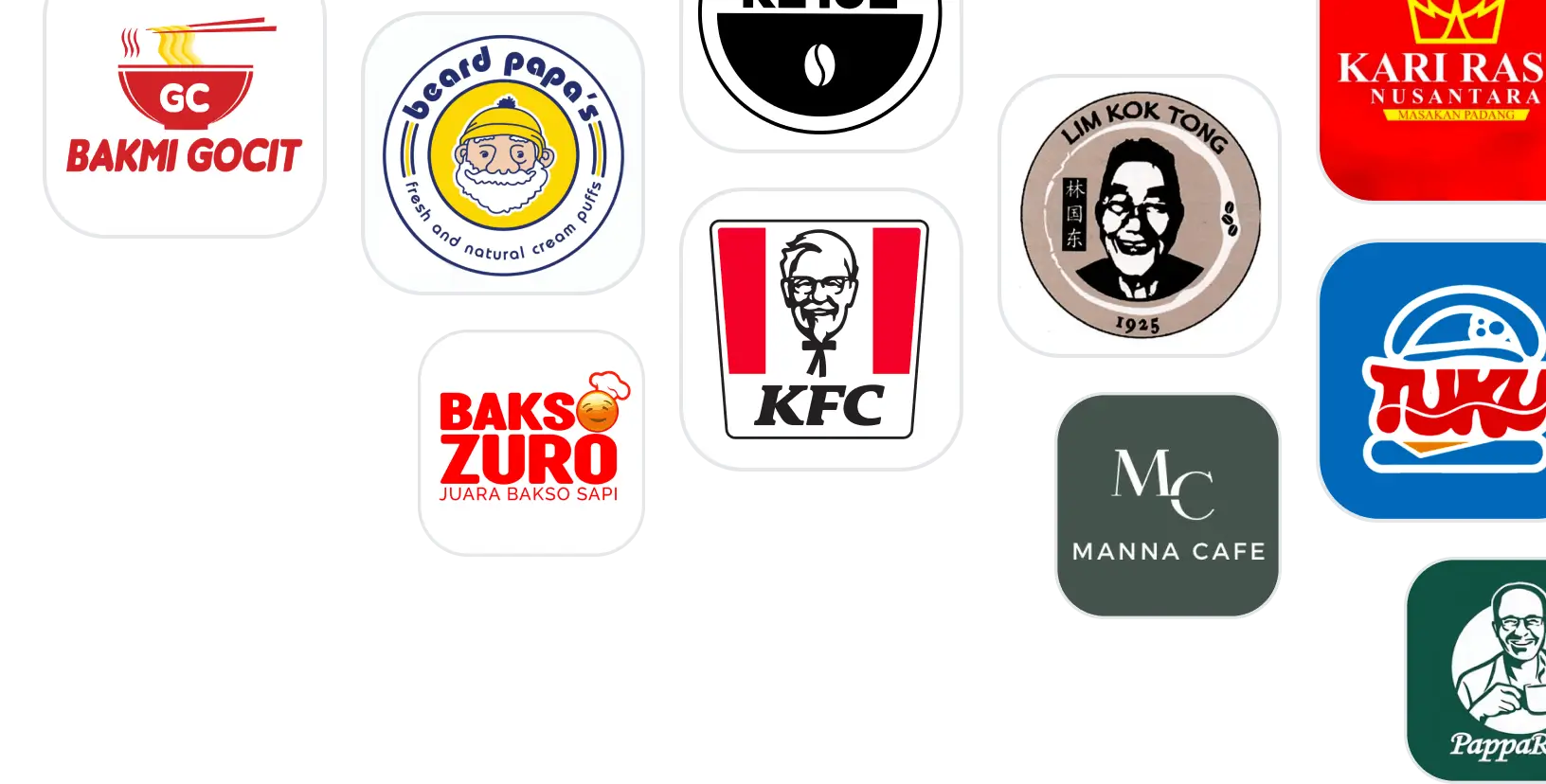
Ragam menu dari resto bandara favorit
Temukan Restoran Favoritmu

Pesan Pre-Book Meals dalam 3 Langkah
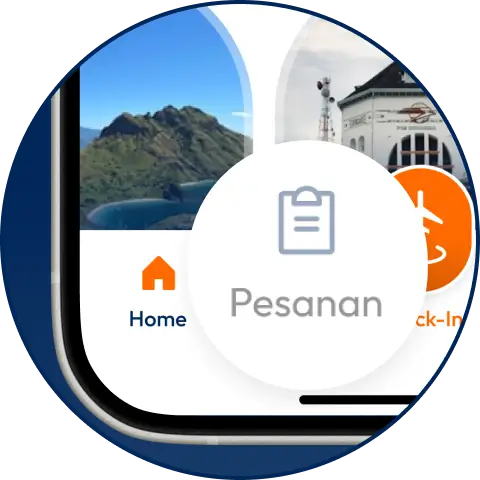
Pilih Menu “Pesanan”
Pilih jadwal penerbanganmu di menu “Pesanan” atau tambahkan jika kamu membeli di platform lain
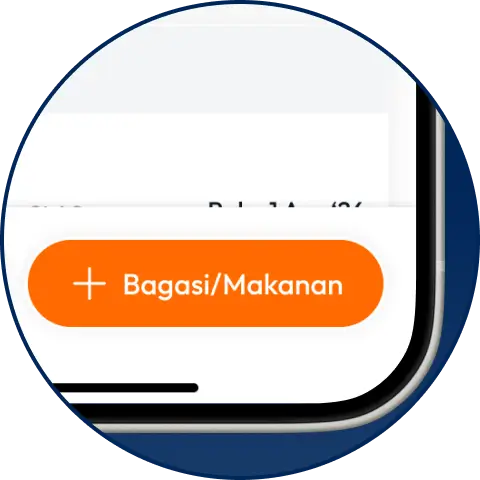
Tambahkan Pre-Book Meals
Pilih tambah “Bagasi/Makanan” dan pilih menu pilihanmu
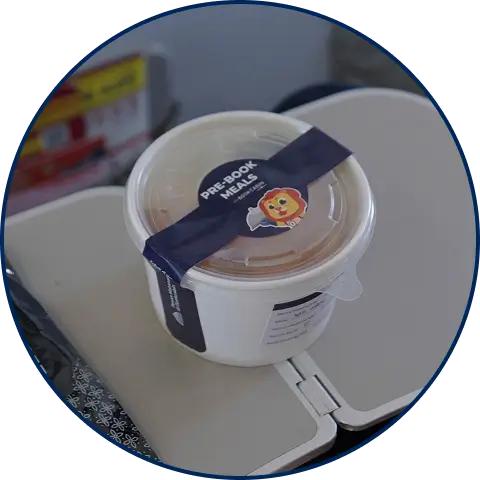
Nikmati Makanan di Pesawat
Pesanan makanan atau minuman kamu akan diantarkan oleh Flight Attendant (FA) saat penerbangan berlangsung



Inspirasi Pre-Book
Meals
Pertanyaan yang Sering Diajukan
Pesan Makan di Pesawat Kini Lebih Mudah dengan Pre-Book Meals BookCabin!
Pernahkah kamu sedang menikmati pemandangan awan dari balik jendela pesawat, lalu tiba-tiba perut mulai keroncongan? Momen santai yang tadinya terasa tenang seketika berubah karena rasa lapar. Membeli makanan langsung di dalam pesawat memang bisa menjadi pilihan, tetapi tidak selalu praktis. Selain pilihan menunya terbatas, menu yang kamu inginkan juga belum tentu masih tersedia.
Agar perjalanan udara tetap nyaman dan perut tetap terisi, kini ada solusi yang lebih praktis, yaitu memesan makanan sebelum keberangkatan. Dengan begitu, kamu dapat memilih menu lebih awal tanpa perlu khawatir ketersediaannya saat penerbangan. Yuk, simak panduan lengkap dan cara pesan makanan di pesawat dengan praktis lewat BookCabin!
Kenalan Dulu Sama Pre-Book Meal (PBM) BookCabin
Buat yang suka bingung soal urusan perut saat traveling, fitur ini bakal jadi sahabat baru kamu. Pre-Book Meal (PBM) BookCabin adalah cara paling praktis buat mengamankan makanan dan minuman favoritmu.
Lewat aplikasi BookCabin, kamu bukan cuma bisa berburu tiket pesawat untuk maskapai jaringan Lion Air Group tapi juga bisa sekalian memilih menu makan siang atau camilan di udara. Uniknya lagi, pilihan makanan di BookCabin itu bukan sekadar hidangan standar penerbangan. Kamu bisa menikmati sajian langsung dari deretan resto populer kesayangan, seperti:
- KFC
- Imperial Kitchen
- Bakso Lapangan Tembak Senayan
- Beard Papa’s
- MM Juice
- Aming Coffee
Nikmati perjalanan impian bersama Lion Air Group tanpa rasa lapar. Yuk, buka aplikasi BookCabin sekarang, pesan tiket pesawatmu, dan langsung amankan menu Pre-Book Meal (PBM) favoritmu sebelum terbang!
Kenapa Harus Pilih Pre-Book Meal Sebelum Terbang?
Memesan Pre-Book Meal (PBM) di aplikasi BookCabin sebelum berangkat adalah kunci perjalanan tenang. Pilihan menu favorit dijamin aman tanpa perlu cemas kehabisan hidangan populer saat sudah mengudara. Selain harganya lebih hemat ketimbang beli mendadak di atas pesawat, momen sebelum boarding pun jadi bebas panik tanpa harus buru-buru antre makanan di terminal bandara. Semua transaksi pembayaran langsung selesai di aplikasi, jadi tak perlu repot menyiapkan uang tunai selama penerbangan. Tinggal duduk manis, perut tenang, dan penerbangan terasa jauh lebih menyenangkan.
Cara Mudah Pesan Pre-Book Meals di BookCabin
Nggak pakai ribet! Kamu bisa menambahkan pesanan makanan saat baru membeli tiket penerbangan atau setelah tiketmu terbit.
Berikut langkah-langkah praktisnya:
- Buka Aplikasi atau Website BookCabin
- Pilih Makanan via BookCabin:
Jika baru mau pesan tiket: Pilih menu “Pilih Makanan” setelah tahapan pemesanan tiket pesawat.
Jika sudah punya tiket: Masuk ke menu "Pesanan", lalu pilih jadwal penerbanganmu dan cari opsi "Bagasi/Makanan” - Pilih Menu Favorit: Cari menu makanan dan minuman dari resto favorit yang tersedia.
- Lakukan Pembayaran: Selesaikan transaksi dengan metode pembayaran yang kamu pilih.
- Duduk Tenang di Pesawat: Pesanan makananmu akan di antarkan oleh Flight Attendant (FA) ke kursi selama penerbangan berlangsung
Tips Penting Sebelum Pesan Pre-Book Meal
Biar pengalaman makan di atas awan makin maksimal dan tanpa kendala, ada beberapa hal kecil tapi krusial yang perlu kamu perhatikan sebelum melakukan pemesanan Pre-Book Meals:
- Cek Menu Berdasarkan Terminal Keberangkatan: Pilihan menu Pre-Book Meals di BookCabin biasanya menyesuaikan dengan ketersediaan tenant restoran di terminal atau bandara asalmu.
- Perhatikan Pasangan Makanan dan Durasi Terbang: Kalau penerbanganmu terhitung pendek (kurang dari 1-2 jam), disarankan untuk memilih menu makanan atau camilan yang praktis disantap seperti roti srikaya, croissant dan kue puff. Untuk penerbangan jarak jauh, menu makanan berat seperti nasi goreng akan jadi pilihan terbaik.
- Pesan Bersamaan Saat Pembelian Tiket: Cara paling aman dan efisien agar tidak lupa adalah langsung menambahkan menu Pre-Book Meals di halaman layanan tambahan sewaktu pertama kali memesan tiket. Selain lebih praktis, kamu tidak perlu khawatir melewati batas waktu pemesanan.
- Pasang Pengingat Batas Waktu (Cut-Off Time): Ingat, batas akhir pemesanan adalah 3 jam sebelum jadwal keberangkatan. Jika kamu berencana menambah pesanan belakangan seteleh memesan tiket, pastikan kamu melakukannya jauh sebelum batas waktu 3 jam tersebut agar sistem sempat memproses pesananmu ke dapur resto mitra.
- Double Check Detail Pesanan Sebelum Bayar: Sebelum menyelesaikan pembayaran, pastikan jumlah porsi, pilihan menu, dan tanggal penerbangan sudah sesuai. Ingat bahwa pesanan yang sudah dibayar bersifat non-refundable jika kamu melakukan perubahan jadwal atau pembatalan dari pihak pribadi.
- Simpan Bukti Transaksi di Aplikasi: Begitu transaksi berhasil, pesananmu akan langsung terhubung dengan e-boarding pass di aplikasi BookCabin. Pastikan aplikasi kamu sudah terinstal dengan baik dan tangkapan layar (screenshot) bukti pemesanan dapat ditunjukkan ke pramugari jika diperlukan saat penerbangan.
Hal-Hal Penting yang Wajib Kamu Ketahui
Agar perjalananmu semakin lancar dan tenang, ada beberapa ketentuan operasional yang perlu kamu perhatikan sebelum terbang. Terkait batas waktu pemesanan, perlu diingat bahwa pemesanan Pre-Book Meals hanya dapat dilakukan paling lambat 3 jam sebelum jadwal keberangkatan. Jika kamu melewati batas waktu 3 jam tersebut, kamu tetap bisa memesan makanan secara langsung di dalam pesawat (onboard sales). Namun, makanan yang dapat dipesan pada saat itu bukanlah menu Pre-Book Meals, melainkan menu reguler yang ketersediaannya menyesuaikan dengan kebijakan masing-masing maskapai.
Mengenai waktu dan cara penerimaan, seluruh makanan atau minuman Pre-Book Meals yang telah kamu pesan akan diantarkan langsung oleh flight attendant (FA) menuju kursi tempat kamu duduk saat penerbangan berlangsung.
Kebijakan Reschedule, Pembatalan, dan Garansi Pesanan
Rencana perjalananmu mendadak berubah? Kamu tidak perlu bingung karena BookCabin punya aturan yang jelas terkait perubahan jadwal, pembatalan, maupun garansi pesanan.
Jika perubahan jadwal penerbangan atau reschedule dilakukan atas inisiatif pribadi penumpang, pesanan Pre-Book Meals kamu akan otomatis hangus dan dana tidak dapat dikembalikan. Apabila kamu tetap ingin menikmati makanan di dalam pesawat, kamu bisa melakukan pemesanan ulang melalui fitur Pre-Book Meals untuk jadwal baru. Pastikan kamu selalu mengecek detail pesanan saat mengubah jadwal. Sebaliknya, jika perubahan jadwal penerbangan dilakukan langsung oleh pihak maskapai, pesanan Pre-Book Meals kamu tetap dapat diantarkan pada penerbangan baru atau dilakukan pengembalian dana menyesuaikan dengan kondisi perubahan jadwalnya.
Sementara itu, untuk urusan pembatalan dari pihak penumpang, seluruh pemesanan makanan Pre-Book Meals bersifat non-refundable atau tidak dapat diuangkan kembali jika kamu membatalkan penerbangan. Namun, jika terjadi pembatalan penerbangan tanpa perubahan jadwal oleh pihak maskapai, pesanan Pre-Book Meals kamu tidak akan diproses dan dana kamu bakal dikembalikan penuh. Pihak BookCabin akan langsung menghubungi kamu untuk memverifikasi data yang diperlukan sebagai bagian dari proses pengembalian dana tersebut. Terakhir, jika terjadi kendala di mana pesanan Pre-Book Meals tidak kamu terima saat penerbangan, pihak maskapai akan bertanggung jawab dengan mengganti pesananmu menggunakan menu lain yang setara atau memberikan kompensasi sesuai dengan kebijakan yang berlaku.
Siap Terbang Nyaman Tanpa Perut Keroncongan?
Perjalanan liburan atau urusan bisnis bakal terasa jauh lebih menyenangkan kalau perut sudah kenyang. Kamu tinggal duduk santai, menikmati pemandangan di atas awan, mendengarkan musik favorit, atau sekadar beristirahat dengan nyaman tanpa perlu risau rasa lapar mengganggu penerbanganmu.
Nikmati perjalanan impian bersama Lion Group tanpa perlu khawatir kelaparan di udara. Yuk, buka aplikasi BookCabin sekarang, amankan tiket pesawatmu, dan jangan lupa selipkan menu Pre-Book Meal Batik Air, Lion Air, atau Super Air Jet favoritmu sebelum terbang!