
Pilih Kursi Favoritmu
dengan BookCabin
Pilih Kursi yang Paling Nyaman Untukmu
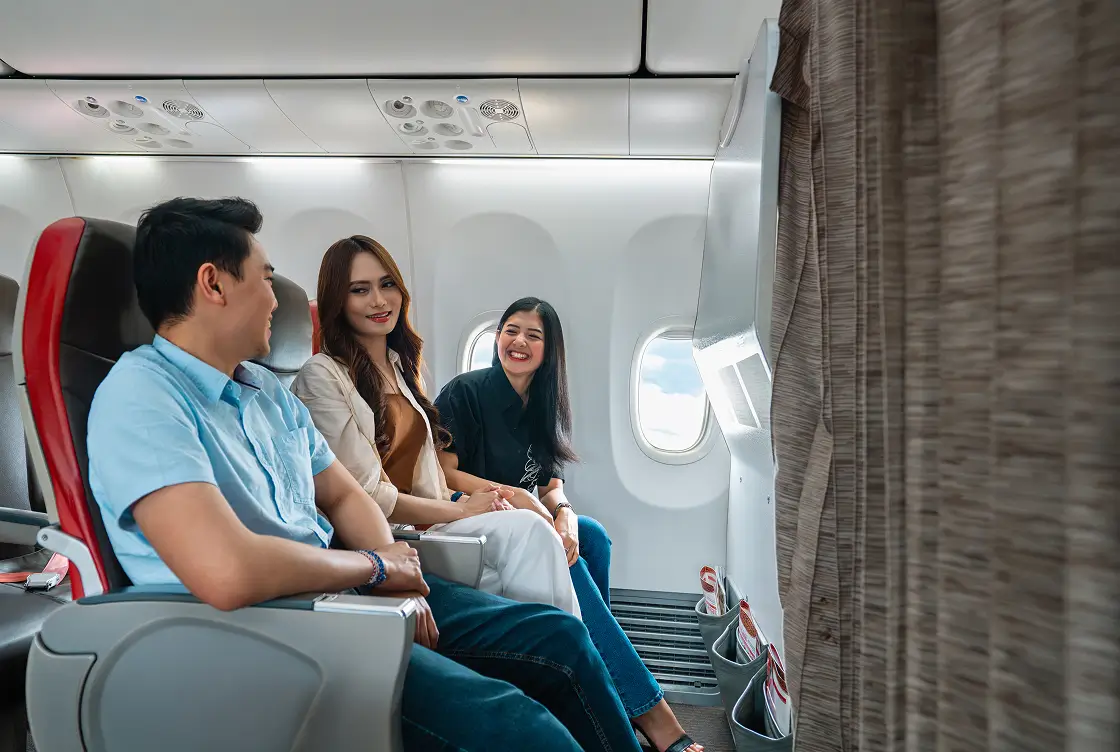

Front Seat
Mau jadi yang pertama naik dan keluar dari pesawat? Front Seat wajib jadi pilihan!
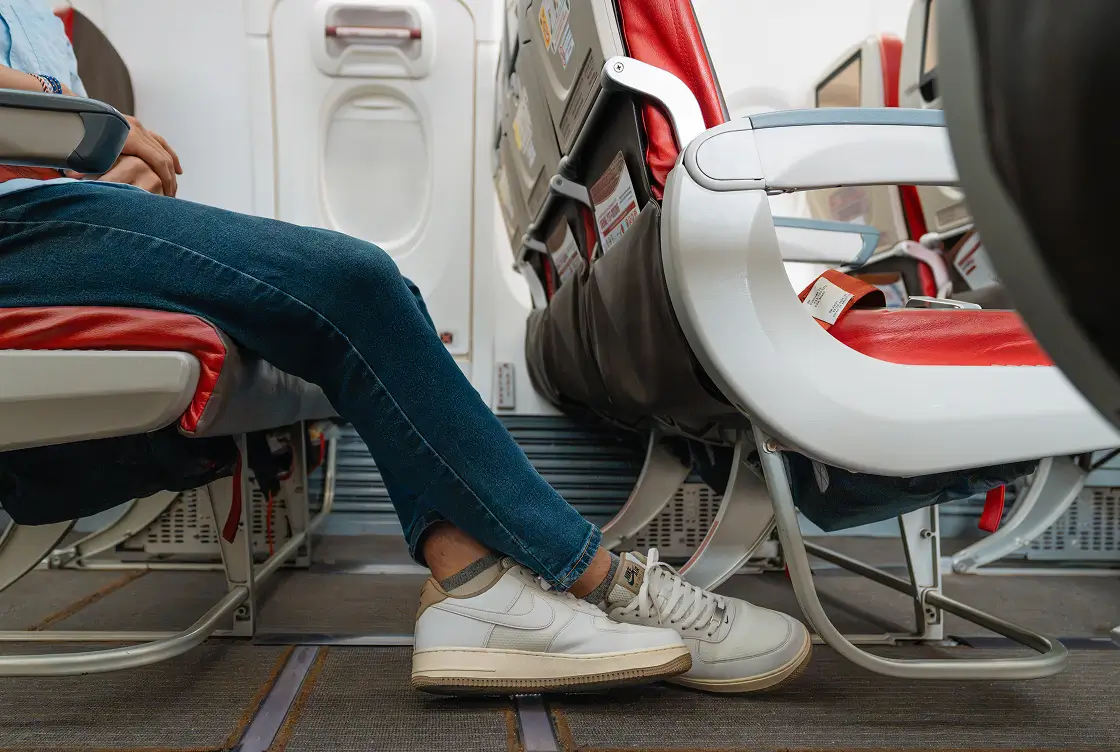

Extra Leg Seat
Capek duduk berdesakan di penerbangan panjang? Extra Leg Seat solusinya!
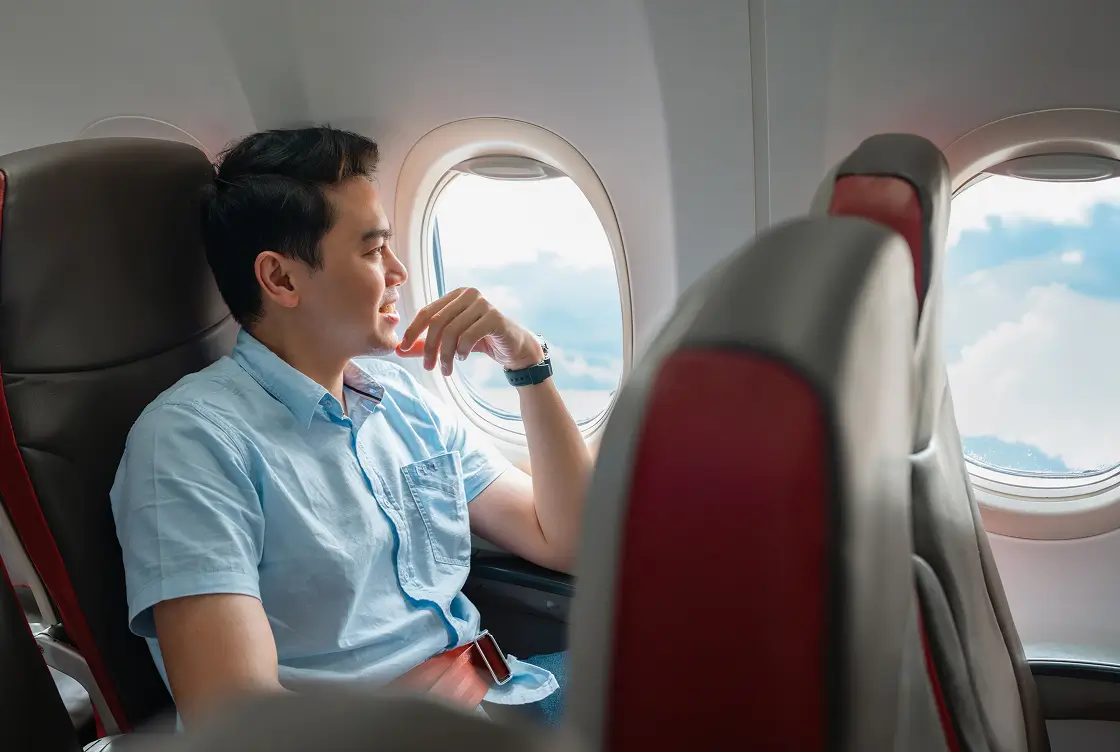

Window Seat
Mau mendapatkan pemandangan terbaik ketika terbang? Window seat nggak boleh kamu lewatkan!
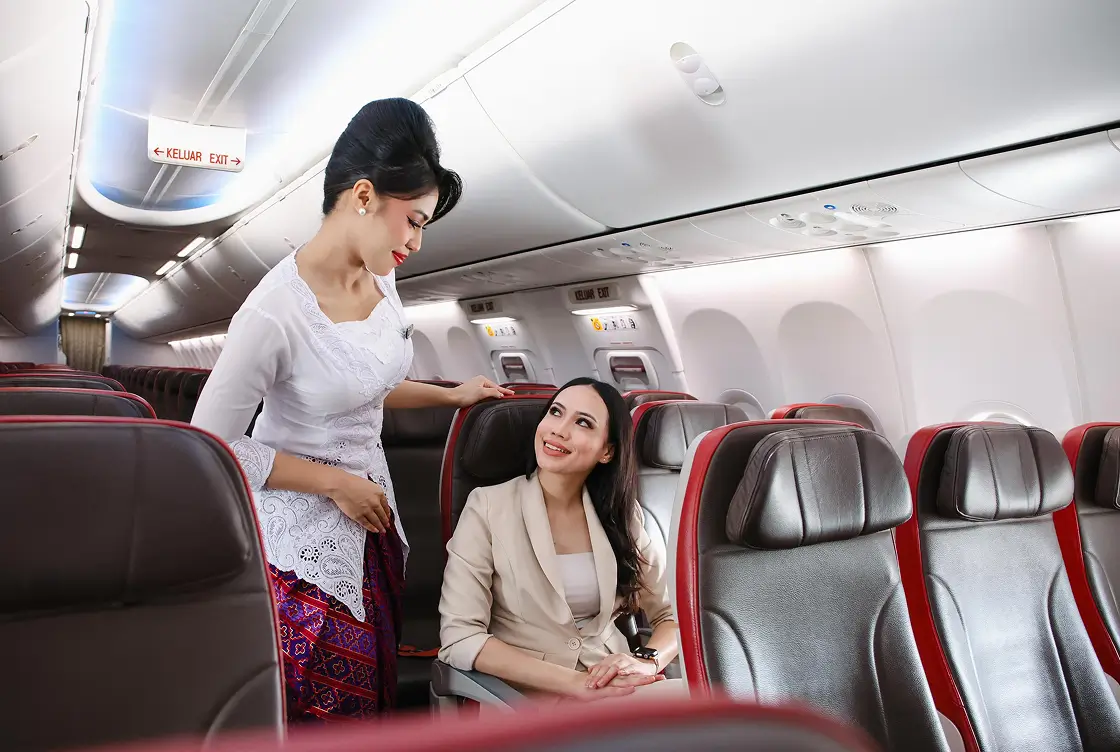

Aisle Seat
Mau duduk dengan mobilitas yang mudah di dalam pesawat? Pastikan kamu pilih Aisle Seat agar penerbanganmu lebih nyaman!
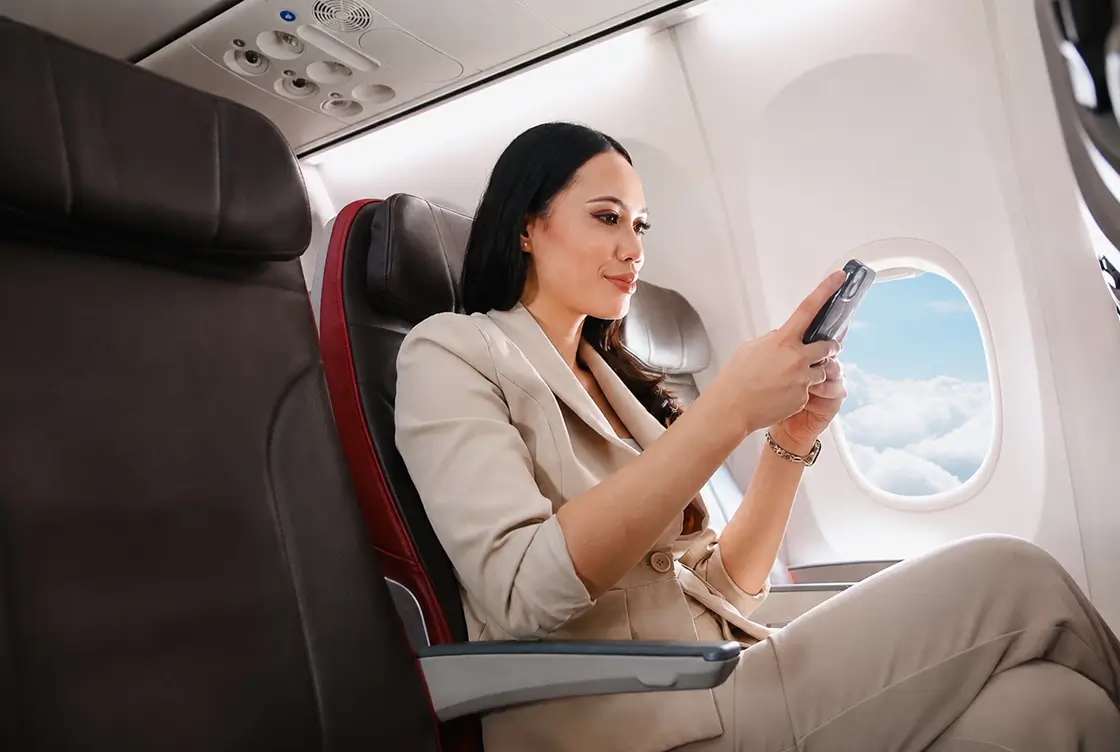

Companion Seat
Mau duduk berdampingan dengan teman atau pasangan? Companion Seat bisa kamu pilih secara gratis!
Lihat Kursi Pesawat
Front SeatWindow/Aisle SeatExtra Leg SeatCompanion Seat


Cara Memilih Kursi Pesawat Gratis

Beli tiket di BookCabin
Pesan tiket pesawat yang diinginkan melalui aplikasi BookCabin

Online Check-in
Lakukan online check-in sesuai dengan batas waktu masing-masing penerbangan
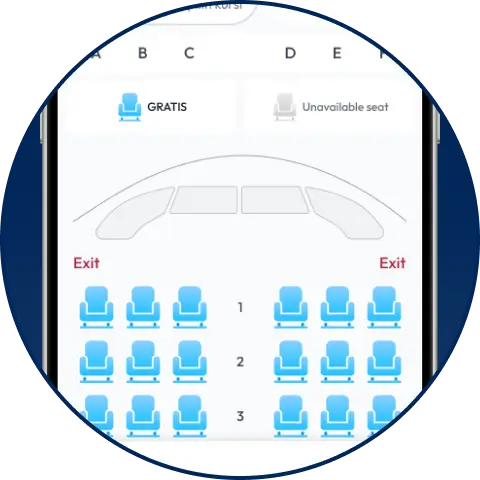
Pilih Kursi Gratis
Pilih kursi secara gratis dapat kamu lakukan ketika melakukan online check-in sesuai syarat & ketentuan yang berlaku
Untuk tiket yang dibeli melalui platform lain, pemilihan kursi akan dikenakan biaya sesuai kebijakan maskapai
Pertanyaan yang sering diajukan
Apa Itu Seat Selection di BookCabin? Panduan Lengkap & Cara Memilih Kursi Pesawat
Pernah ngga sih kamu udah antusias banget mau berangkat liburan, mudik, atau perjalanan dinas, tapi pas naik ke pesawat posisi dudukmu malah kejepit di tengah-tengah dua orang asing, jauh dari jendela, plus ruang kakinya sempit? Rasanya pengen penerbangan cepet-cepet selesai aja, kan?
Di BookCabin, kami paham banget kalau kenyamanan perjalananmu dimulai dari tempat duduk yang pas. Lewat fitur Seat Selection, kamu punya kebebasan penuh buat pilih kursi sendiri sesuai kebutuhan. Mau menikmati pemandangan lanskap dari ketinggian, butuh akses cepet ke toilet tanpa perlu ngerepotin teman disebelah, atau pengen ruang kaki (legroom) ekstra lega? Semua bisa kamu amankan langsung dalam beberapa klik aja!
Langkah demi Langkah: Cara Memilih Kursi Pesawat di BookCabin
Proses pemilihan kursi pesawat di BookCabin dibuat sangat intuitif, praktis, dan transparan. Perlu dicatat: fitur Seat Selection baru bisa diakses saat kamu melakukan online check-in, bukan pada saat pemesanan tiket. Jadi, proses booking tiketmu berjalan seperti biasa sampai tuntas, baru dilanjutkan ke pemilihan kursi ketika check-in. Ikuti panduan rinci berikut:
1. Cari & Tentukan Penerbangan
Buka aplikasi atau website resmi BookCabin. Masukkan kota asal, tujuan, tanggal keberangkatan, serta jumlah penumpang, lalu klik Cari Penerbangan. Pilih penerbangan dan jadwal yang paling sesuai dengan kebutuhanmu.
2. Isi Detail Data Penumpang & Selesaikan Pembayaran
Lengkapi data diri seluruh penumpang secara akurat sesuai dengan kartu identitas resmi (KTP atau Paspor).
3. Lakukan Online Check-in & Akses Fitur Seat Selection
Menjelang jadwal keberangkatan, buka kembali aplikasi atau website BookCabin dan lakukan online check-in menggunakan kode booking (PNR). Pada tahap ini, menu Seat Selection akan muncul dan kamu bisa mulai memilih kursi favoritmu.
4. Pahami Layout Kabin & Urutan Kursi Pesawat
Sistem akan menampilkan denah interaktif kabin (seat map). Memahami urutan kursi pesawat sangatlah gampang karena nomor kursi pesawat terdiri dari kombinasi angka baris dan huruf posisi:
- Angka Baris (misal: Baris 1–30): Menandakan posisi baris dari depan ke belakang. Lebih depan berarti bisa keluar dari pesawat lebih cepat pas mendarat.
- Huruf Posisi (A, B, C | D, E, F): Menentukan posisi kursi dalam satu baris dekat jendela, lorong, atau di tengah.
5. Pahami Layout Kabin & Urutan Kursi Pesawat
Klik nomor kursi pesawat yang tersedia pada denah kabin. BookCabin membagi pilihan kursi ke dalam 5 kategori berikut:
- Front Seat: Mau jadi yang pertama naik dan keluar dari pesawat? Front Seat wajib jadi pilihan!
- Extra Leg Seat: Capek duduk berdesakan di penerbangan panjang? Extra Leg Seat solusinya!
- Window Seat: Mau mendapatkan pemandangan terbaik ketika terbang? Window Seat nggak boleh kamu lewatkan!
- Aisle Seat: Mau duduk dengan mobilitas yang mudah di dalam pesawat? Pastikan kamu pilih Aisle Seat agar penerbanganmu lebih nyaman!
- Companion Seat: Mau duduk berdampingan dengan teman atau pasangan? Companion Seat bisa kamu pilih secara gratis!
6. Tentukan Tipe Kursi & Cek Penawaran Spesial
Klik nomor kursi pesawat yang tersedia pada denah kabin. Kamu bisa memilih kategori kursi berbayar (Paid Seats) sesuai preferensi atau memilih opsi gratis jika tersedia.
Keuntungan Bebas Biaya khusus Lion Group di BookCabin:
Khusus untuk pembelian tiket maskapai Lion Group (seperti Lion Air, Batik Air, Super Air Jet, dan Wings Air) yang dipesan melalui BookCabin, kamu berhak menikmati fasilitas pilih kursi sendiri secara GRATIS saat melakukan web check-in pilih kursi (online check-in)!
(Sebagai perbandingan, jika tiket dipesan dari platform luar, layanan pemilihan kursi saat online check-in dikenakan biaya tambahan. Jika kamu tidak ingin memilih posisi khusus, kamu cukup mengklik opsi Select Random Seat untuk alokasi kursi otomatis tanpa biaya).
6. Konfirmasi Rincian & Selesaikan Pembayaran
Periksa kembali nomor kursi yang dialokasikan untuk tiap penumpang. Jika kamu memilih Paid Seats, total biaya kursi akan otomatis ditambahkan ke ringkasan pembayaran. Klik tombol Lanjutkan ke Pembayaran, lalu pilih metode transaksi favoritmu.
7. Cek Nomor Kursi di E-Ticket & Boarding Pass
Begitu pembayaran dikonfirmasi, e-ticket resmimu akan diterbitkan. Nomor kursi pesawat pilihanmu akan langsung tercetak di e-ticket dan siap digunakan saat mencetak boarding pass.
Daftar Tipe Kursi Pesawat & Tarif Seat Selection (Penerbangan Domestik)
Untuk penerbangan rute domestik, fitur Seat Selection di BookCabin menyediakan 5 kategori kursi bagi kamu yang mengutamakan kenyamanan ekstra. Berikut rincian kategori dan harganya:
| Kategori Kursi (Seat Selection) | Fasilitas & Keunggulan | Tarif Mulai (Domestik) |
|---|---|---|
| Front Seat | Duduk di 3 baris paling depan kabin (Baris 1–3). Akses masuk & keluar pesawat paling cepat tanpa perlu antre. | IDR 190.000 |
| Extra Leg Seat | Ruang kaki (legroom) paling luas di kelas ekonomi, tepat di samping pintu evakuasi darurat. Direkomendasikan untuk penerbangan durasi sedang hingga jauh. | IDR 190.000 |
| Window Seat | Kursi di baris standar dengan posisi dekat jendela pilihan ideal untuk menikmati pemandangan atau tidur tanpa terganggu. | IDR 50.000 |
| Aisle Seat | Kursi di baris standar dengan posisi dekat lorong memudahkan mobilitas ke toilet tanpa mengganggu penumpang lain. | IDR 50.000 |
| Companion Seat | Kursi tengah di baris standar agar bisa duduk berdampingan dengan teman atau pasangan sepanjang perjalanan. | Gratis |
Ketentuan & Aturan Keselamatan Khusus Kursi Dengan Tipe Extra Leg Seat
Karena letaknya persis di samping pintu evakuasi darurat, penumpang yang memilih kursi ini wajib menyetujui syarat & ketentuan penerbangan:
- Berusia minimal 18 tahun, sehat secara fisik dan mental.
- Mampu membaca, berbicara, dan memahami instruksi keselamatan dalam Bahasa Inggris atau Bahasa Indonesia.
- Tidak sedang hamil, tidak bepergian membawa bayi/anak-anak.
- Tidak membutuhkan perpanjangan sabuk pengaman (seatbelt extension).
- Tidak membawa hewan peliharaan atau menggunakan alat bantu jalan (seperti tongkat/kruk).
(Kru penerbangan atau petugas bandara berhak memindahkan penumpang ke baris lain tanpa pengembalian biaya jika penumpang terbukti tidak memenuhi kriteria keselamatan di atas).
Ketentuan Perubahan Jadwal, Perubahan Kursi, & Kebijakan Refund
Sebelum melakukan transaksi pembelian kursi berbayar, penting untuk memahami ketentuan operasional berikut:
- Perubahan Kursi: Pembelian kursi yang sudah terkonfirmasi bersifat final dan tidak dapat diubah ke nomor kursi lain.
- Refund Akibat Operasional Maskapai: Biaya pembelian kursi dapat di-refund apabila terjadi pembatalan penerbangan oleh maskapai, keterlambatan (irregular delay) lebih dari 4 jam dari jadwal awal, atau perubahan tipe armada pesawat yang menyebabkan ketersediaan jenis kursi tidak sesuai.
- Refund Akibat Inisiatif Penumpang: Pengajuan refund tidak berlaku jika perubahan jadwal atau pembatalan dilakukan atas permintaan penumpang sendiri, atau jika penumpang melakukan last-minute upgrade ke kelas Bisnis.
Ketersediaan Fitur Kursi di Maskapai Partner BookCabin
Kamu bisa menggunakan layanan Seat Selection (pemilihan kursi) untuk berbagai maskapai penerbangan terkemuka:
- Kursi Batik Air / Kursi Pesawat Batik Air: Penerbangan full service dengan kenyamanan kabin berkelas.
- Kursi Pesawat Super Air Jet: Nikmati gaya terbang trendi buat kamu para milenial.
- Kursi Pesawat Lion / Lion Air: Jaringan rute terluas dengan opsi posisi duduk yang beragam.
Fitur Seat Selection di atas tersedia langsung di BookCabin untuk penerbangan domestik Lion Group (Lion Air, Batik Air, Super Air Jet, Wings Air), di luar rute internasional Thai Lion Air dan Batik Air Malaysia.
Citilink & Maskapai Lainnya (Garuda Indonesia, Pelita Air, AirAsia, Sriwijaya Air, dll.)
Pemesanan tiket tetap dapat dilakukan melalui BookCabin. Namun, untuk pemilihan posisi kursi atau layanan tambahan (add-ons), kamu disarankan untuk melakukannya melalui aplikasi atau situs web resmi dari masing-masing maskapai terkait, setelah kode pemesanan (booking code/PNR) diterbitkan.
Udah nggak sabar mau jalan-jalan? Yuk buka aplikasi BookCabin sekarang, cari tiket penerbanganmu, dan amankan kursi favoritmu sebelum kehabisan!